Best Monitor Arms for Trading Setups in 2026
Monitor arms for trading desks matched to real monitor weights: heavy ultrawides, dual 32-inch screens and triple 24-inch rigs, with the ranges that matter.
We may earn a commission from links on this page, at no extra cost to you. How we pick products
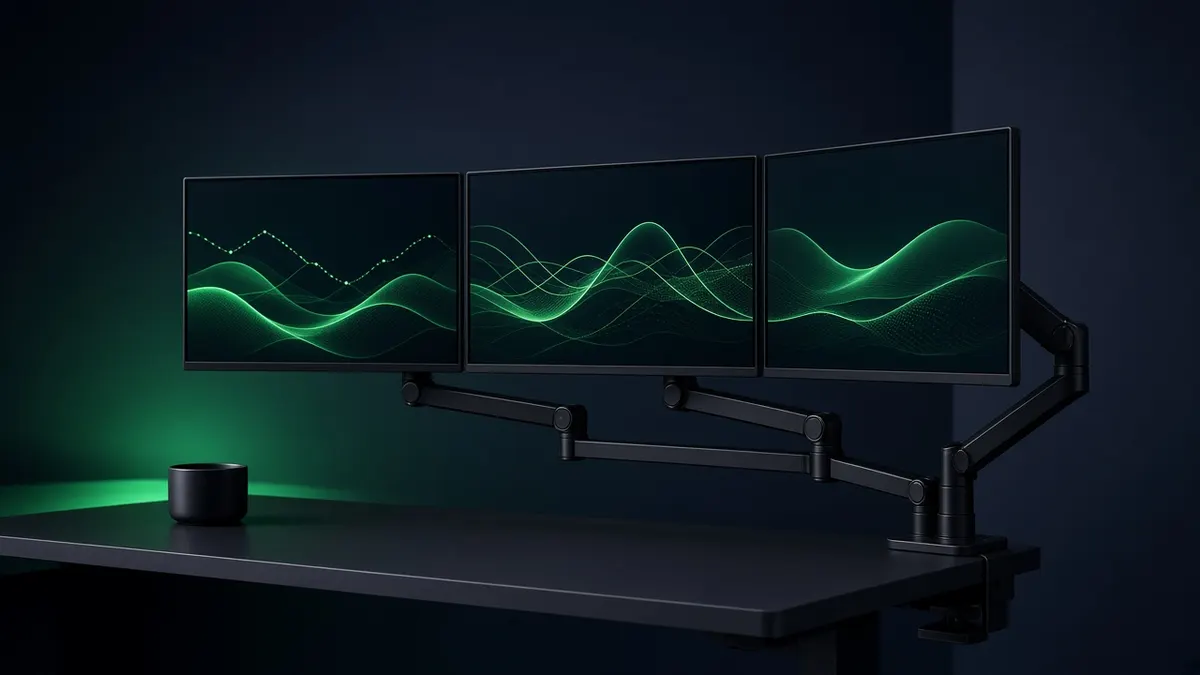
A good monitor arm does three things for a trading desk: it gets screens to eye level so your neck survives a full session, it frees the desk surface under the screens, and it lets you swing a monitor into portrait for a watchlist or level-2 ladder. The part most buyers get wrong is weight. Every arm has a minimum and a maximum, and a monitor that is too light for a heavy-duty arm will drift up just as surely as a heavy one sags.
So start with your monitor's panel-only weight (the "VESA mount" weight on the spec sheet, without the stand), then pick the arm.
Quick picks
| Arm | Screens | Rated weight | Best for |
|---|---|---|---|
| Ergotron HX Desk Arm | 1 | 20 to 42 lb | Heavy ultrawides and super-ultrawides |
| Ergotron HX Dual | 2 | 5 to 17.5 lb per screen | Two 27 to 32-inch monitors |
| Ergotron HX + Triple Bow Kit | 3 | 2 to 10.2 lb per screen | Classic three-screen trading rig |
| Ergotron LX Pro | 1 | up to 22 lb | Mid-weight single monitors on a budget |
| Humanscale M8.1 / M8 Pro | 1 or 2 | 9 to 50 lb single (M8 Pro) | Premium build, ultrawides in the 18 to 28 lb range |
1. Ergotron HX Desk Arm: for heavy ultrawides
Ergotron rates the HX for screens weighing 20 to 42 pounds, and PCWorld called it its best heavy-duty single-monitor arm, noting it handled a 38-inch ultrawide with ease. It has 11.5 inches of lift, quick release, and Ergotron's 10-year warranty. The motion is Ergotron's Constant Force spring, so a screen stays where you leave it.
Watch the minimum. The Dell UltraSharp U4025QW from our ultrawide guide weighs 18.41 lb without its stand, per Dell, which is below the HX's 20 lb floor. For that monitor, look at the Humanscale M8.1 below. The HX is the better match for the 51.5-inch and 57-inch class of screens, but check each monitor's panel weight against 42 lb first.
2. Ergotron HX Dual: two big screens on one arm
The dual version holds two monitors up to 32 inches, at 5 to 17.5 pounds each, on a hinged bow with independent pivots. It has a rotation stop on the base so the screens don't swing into a wall behind the desk. For a chart screen plus an order-entry screen at 27 or 32 inches, this is the cleanest single-clamp setup.
Good fit if you run two 27 to 32-inch 4K monitors. Skip it if either screen weighs over 17.5 lb; that usually rules out 34-inch and larger ultrawides.
3. Ergotron HX with the Triple Monitor Bow Kit: the three-screen rig
Ergotron doesn't sell a one-box triple HX. You buy a standard HX arm and add the HX Triple Monitor Bow Kit (part 98-009-026 for polished aluminum arms, 98-009-216 for white). The result holds three monitors of 2 to 10.2 pounds each, 6 to 30.6 pounds total, with screens up to about 24 inches (the kit allows displays up to 26 inches wide). The outer screens pivot 40 degrees in and 90 degrees out, so you can wrap them around you.
Good fit if you want the classic three 24-inch layout on a single clamp. Skip it if you have 27-inch monitors; they are too wide and usually too heavy for the bow. Two arms, or one ultrawide, work better.
4. Ergotron LX Pro: the value pick
B&H lists the LX Pro for displays up to 34 inches and 22 pounds, with 75 x 75 and 100 x 100 mm VESA patterns and a clamp for desks 0.4 to 2.4 inches thick. It is the arm to buy one per screen if you have two or three mid-size monitors and a desk wide enough to clamp several arms.
Good fit if you want independent arms for each screen and don't need the HX's capacity.
5. Humanscale M8.1 (now sold as M8 Pro): premium, and it fits the U4025QW
PCWorld notes the M8.1 handles 6 to 28 pound monitors, "enough to handle nearly any monitor available today, including large ultrawides like the Dell Ultrasharp U4025QW." An optional crossbar takes two monitors. Humanscale now sells it as the M8 Pro and quotes single monitors from 9 to 50 pounds for that version, so confirm the exact model's range before you buy. Humanscale's own store listed M8 Pro models from $468 when we checked in October 2026. It costs more than the Ergotron options, but its range covers the 18 to 28 lb gap where many 34 to 40-inch ultrawides sit.
Good fit if your monitor falls between the LX and HX weight ranges. Skip it if price matters most; PCWorld found the Ergotron HX better value for heavier screens.
How to choose a monitor arm for trading
- Use panel-only weight. Spec sheets list weight with and without the stand. The arm only carries the panel.
- Check both ends of the range. Too light is as much a problem as too heavy.
- Check the VESA pattern. Most arms take 75 x 75 and 100 x 100 mm; the HX single also takes 200 x 200 mm.
- Measure desk thickness. Clamps typically fit 0.4 to 2.4 inch tops. Glass desks and thin lips need a grommet mount or a different desk.
- Plan for portrait. A vertical side screen is great for watchlists and news; make sure the arm rotates 360 degrees.
FAQ
What monitor arm holds a 40-inch ultrawide? It depends on its weight, not its size. The Dell U4025QW is 18.41 lb without its stand, which suits arms rated around 6 to 28 lb, such as the Humanscale M8.1, rather than the Ergotron HX's 20 lb minimum.
Can one arm hold three monitors? Yes, with the Ergotron HX plus the Triple Bow Kit, for screens up to about 24 inches and 10.2 lb each.
Specs from Ergotron product sheets, B&H listings, Humanscale, Dell, and PCWorld testing. Prices change daily; check the current price at the retailer.
Related guides
Best Ultrawide Monitors for Stock Trading in 2026
Five high-resolution ultrawide monitors for trading, compared on resolution, pixel density, ports and size, so one screen can replace a multi-monitor rig.
Best Standing Desks for Multi-Monitor Trading Setups in 2026
Electric standing desks that can carry a multi-monitor trading rig: UPLIFT V3, FlexiSpot E7 Pro and Secretlab MAGNUS Pro compared on capacity, height and warranty.
Best Monitors for Day Trading in 2026
The best monitors for day trading in 2026: 4K IPS, OLED and super-ultrawide picks compared on pixel density, ports and burn-in risk for multi-monitor desks.